


Products

EV chargers and built-in features that stay useful after installation.

Chargers, product families and built-in PlugStream features

PlugStream products combine British-built charging hardware with software-led features for setup, support, charging confidence and long-term flexibility.

PlugStream EV charger installed beside an electric vehicle

Explore the range

Choose the PlugStream product that matches the charger, site and ownership journey.

Start with the hardware family, then review the built-in features that make setup, charging and long-term support easier to manage.

7.4kW home charging

PlugStream 7 Family

Compare PlugStream 7S and PlugStream 7T, then choose the PS-7S or PS-7T face plate finish that fits the property.

Compare 7S and 7T

Higher-demand sites

PlugStream 22 Family

Explore the PlugStream 22 family for three-phase properties, workplaces and higher-demand sites starting with PlugStream 22S.

Explore PlugStream 22

Guided starting point

Home EV charger guide

Start with a focused home charging route, then move into the picker, PlugStream 7 comparison, product pages or contact route.

Find your starting point

Interactive guide

Charge point picker

Answer a few practical questions about the bay, supply and cable preference to find the PlugStream charger to start from.

Use the charge point picker

Digital product identity

PlugStream Passport

PlugStream Passport gives every charger a connected digital identity, helping customers, installers and support teams with setup, support, warranty, documents and factory-to-field traceability.

View PlugStream Passport

Charging confidence

Charger Readiness

Understand whether a charger is ready for the next charging window by making key charger-side signals easier to check.

Explore Charger Readiness

Scheduled charging support

Vehicle Wake Assist

Help reduce missed charging windows by checking for sleeping-vehicle behaviour and retrying the session path when the charger and vehicle state allow.

Explore Vehicle Wake Assist

App and software layer

Smart charging controls

Use app control, tariff-aware scheduling, solar-aware behaviour and over-the-air updates to keep charging aligned with the property.

View home charging

PlugStream 7 Finishes

Make the visible finish part of the PlugStream 7 choice.

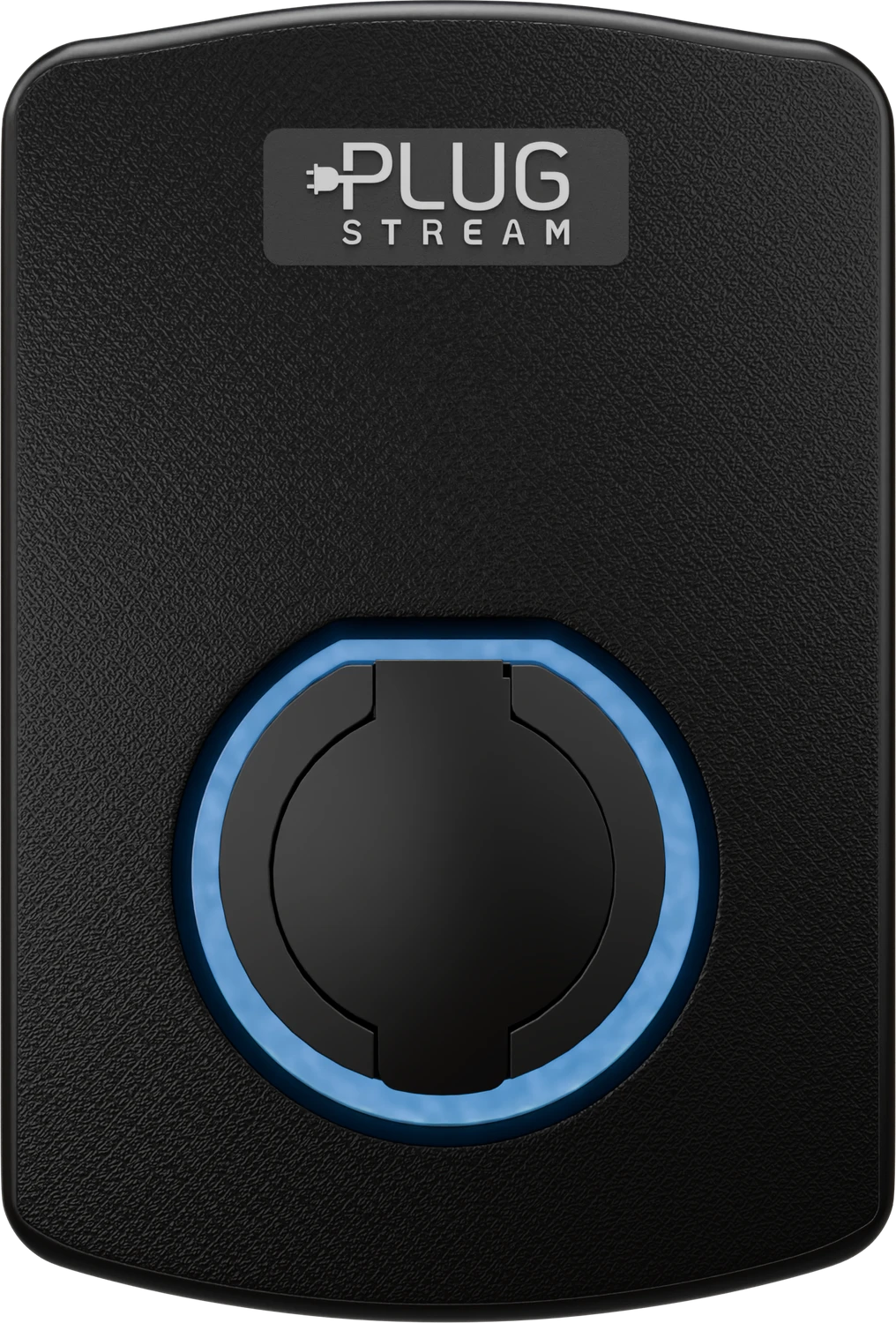
Face plates belong with the PlugStream 7 family: choose the charger body first, then specify the PS-7S or PS-7T finish that matches the installation, customer preference or property style.

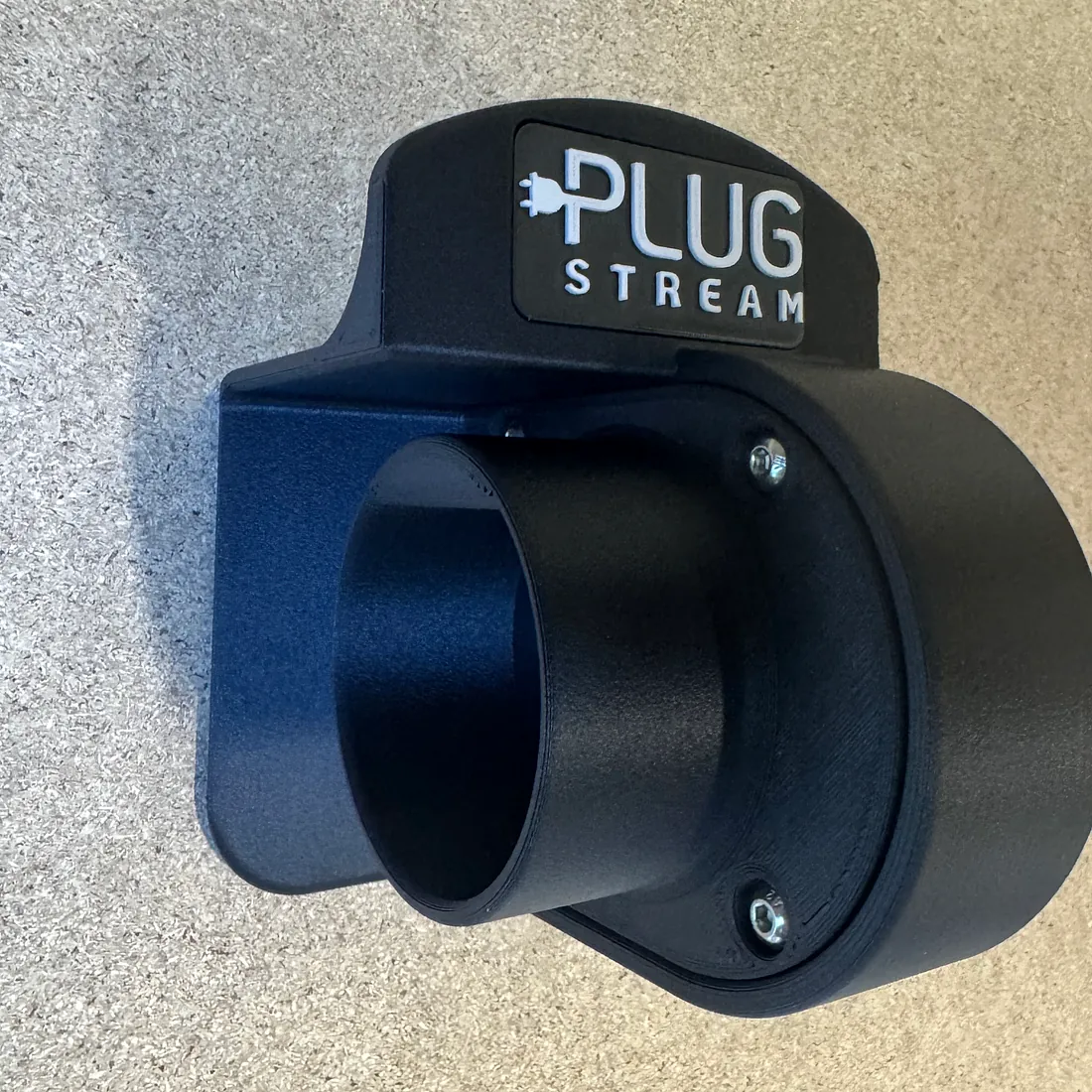
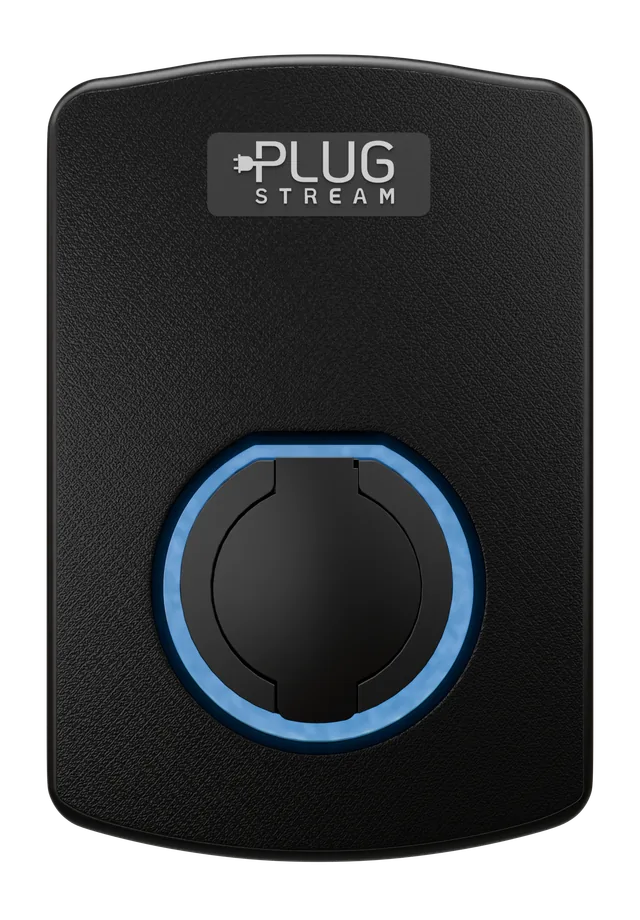
Black PlugStream 7 Face Plate

Visible finish

PlugStream 7 Face Plates

Model-specific PS-7S Face Plate and PS-7T Face Plate options for the PlugStream 7 colour range.

Role
Lets customers specify or later change the visible charger finish without changing the charger platform.
Compatible route
Available for PlugStream 7S and PlugStream 7T only; coloured face plates are not available for PlugStream 22S.
Fit route
Specified with a new charger order or requested later as a replacement face plate.
SKU
Colour-specific PS-7S and PS-7T SKUs
Quote dependency
Colour and model variant are captured in the quote request with the matching colour-coded SKU.
Constraint
PS-7S and PS-7T face plates are model-specific and must match the charger body.
View face plates

Connectivity

Keep the charger reachable when Wi-Fi or Ethernet is the weak point.

PlugStream connectivity products are for sites where customer networking cannot be relied on, is restricted by IT policy or needs a clearer managed 4G route before handover.

PlugStream 7S charge point used with PlugStream Connect

4G connectivity

PlugStream Connect

A dedicated 4G hardware route for compatible PlugStream chargers where Wi-Fi, Ethernet, router access or IT policy would make the install harder to support.

Role
Gives the charger its own 4G route when customer networking should not be the dependency.
Compatible route
Compatible PlugStream charger route confirmed by PlugStream before order.
Fit route
Factory-fit or installer post-fit option, subject to charger compatibility.
SKU
PS-CON-4G
Quote dependency
Can be specified alone or with PlugStream Connect Data.
Constraint
Use where Wi-Fi/Ethernet coverage, permissions or IT restrictions make site networking unsuitable.
View PlugStream Connect
PlugStream 7S charge point using PlugStream Connect Data

Managed mobile data

PlugStream Connect Data

Managed mobile data for compatible PlugStream charge points, Flow devices and managed sites using the PlugStream Connect route.

Role
Keeps compatible PlugStream hardware connected to PlugStream Cloud for monitoring, reporting and firmware-update readiness.
Compatible route
Requires PlugStream Connect on compatible PlugStream hardware.
Fit route
Activated alongside PlugStream Connect for compatible charge points, Flow devices and managed sites.
SKU
PS-CON-DATA-ESS-12 / PS-CON-DATA-PLUS-12 / PS-CON-DATA-SITE-12 / PS-CON-DATA-FLEET-12
Quote dependency
Annual plan pricing is shown for packaged plans; larger managed requirements are scoped before order.
Constraint
Cannot be requested in the quote builder unless PlugStream Connect is selected.
Review Connect Data

Energy Management

Add wireless energy sensing where the site needs more visibility.

PlugStream 7 chargepoints include a connection for one onboard CT. Specify PlugStream Flow when the site needs extra CT coverage, wireless CT placement, solar or storage context, app energy visibility, or load-management data shared with one or more chargepoints.

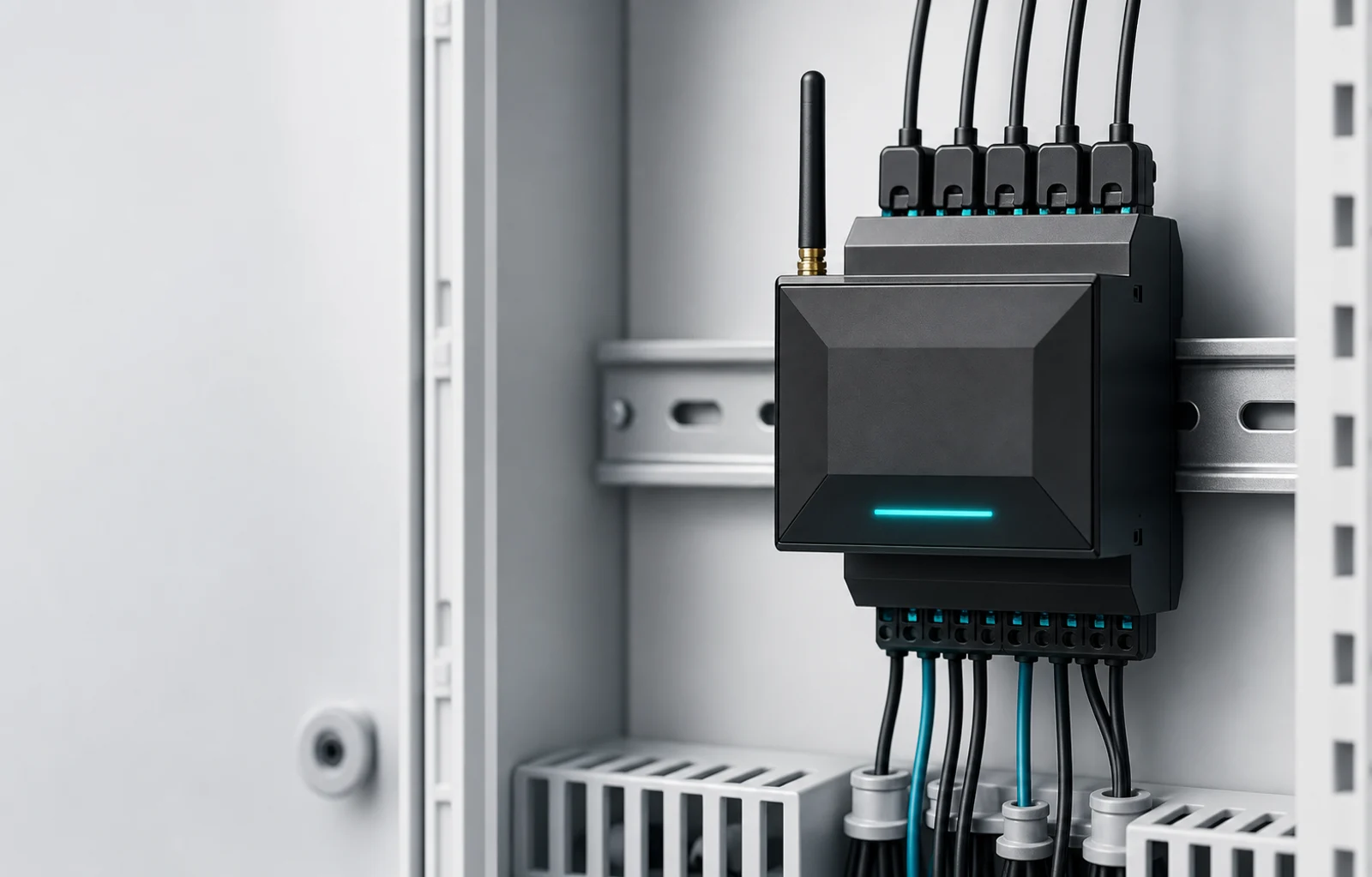
Illustrative render of PlugStream Flow hardware

Local energy intelligence

PlugStream Flow

The local measurement, integration and evidence layer for PlugStream charging sites that need more than a simple single-CT setup.

Role
Combines local energy monitoring, wireless CT placement, app visibility, RS485 integrations and Sentinel support evidence for compatible PlugStream sites.
Compatible route
Designed for compatible PlugStream charge points and specified around CT roles, charger count and site layout.
Fit route
Specified as a Flow hardware kit, with the software role selected by domestic, Sentinel Bridge or site-intelligence use case.
SKU
PS-FLOW-KIT-1 / PS-FLOW-KIT-2 / PS-FLOW-KIT-3 / PS-FLOW-KIT-4
Quote dependency
Quote request captures hardware kit count, Flow Link count and Flow software role.
Constraint
Not a 4G connectivity route or revenue-grade meter; specified with compatible PlugStream charge points and the Flow software role.
Explore PlugStream Flow
Illustrative render of PlugStream Flow Link hardware

Flow chargepoint module

PlugStream Flow Link

The orderable module that allows a compatible PlugStream charge point to participate in a PlugStream Flow-enhanced energy system.

Role
Links a compatible charge point into a Flow-enhanced energy system.
Compatible route
Used with compatible PlugStream charge points that need to participate in a Flow-enhanced energy system.
Fit route
Bundled inside Flow kits or ordered separately as an additional or replacement Flow Link.
SKU
PS-FLOW-LINK
Quote dependency
Specified with the Flow kit count or as an additional/replacement Flow-ready chargepoint module.
Constraint
Requires a PlugStream Flow installation; it is not a standalone 4G connectivity product.
View Flow Link

Decision guide

A clearer way to choose the right charger.

The strongest product choice usually comes from a few practical questions about the bay, the available supply and the expected ownership journey.

Start with the bay

A shared bay usually needs socketed flexibility. A dedicated daily bay may benefit from the convenience of a tethered cable.

Then check the supply

Single-phase homes usually point toward the PlugStream 7 family. Three-phase or higher-demand sites may need the PlugStream 22 family.

Keep the lifecycle visible

PlugStream Passport, software updates and support routes help the product stay easier to identify, update and support after installation.

Charging feature guides

Make the charging journey easier to explain before support is needed.

Use these practical guides to understand scheduled charging, tariff-aware windows, load-management pauses and the handover between charger and vehicle.

Charging features guide

EV charging features guide: schedules, tariffs, load management and vehicle response

A practical overview of the charger-side features that help customers understand scheduled charging, off-peak windows, site limits and vehicle response.

Read the charging features guide

Scheduled charging

Scheduled EV charging not starting

Understand the first checks when a charger waits for a saved schedule, vehicle response, connectivity or site power condition.

Read the scheduled charging guide

Off-peak charging

Smart tariff EV charging

See how tariff-aware charging windows work with the charger, the app and the vehicle without relying on tariff-specific promises.

Read the smart tariff guide

Site capacity

EV charger load management

Learn why charging can pause or slow down when the charger is responding to available supply or wider site demand.

Read the load management guide

Vehicle response

Waiting for vehicle

Clarify what the charger can control, what the vehicle controls and when Vehicle Wake Assist may help where supported.

Read the vehicle response guide

Next step

Need help choosing between PlugStream chargers and features?

Compare the PlugStream 7 family for everyday 7.4kW charging, review the PlugStream 22 family for higher-demand sites, or speak to the team about your installation context.

Talk to PlugStream